Integration Portal
The process of activating an integration involves communication with a Glovo representative. The integration portal can be accessed at:
https://portal.integrations.cloud.onlineservice.io/
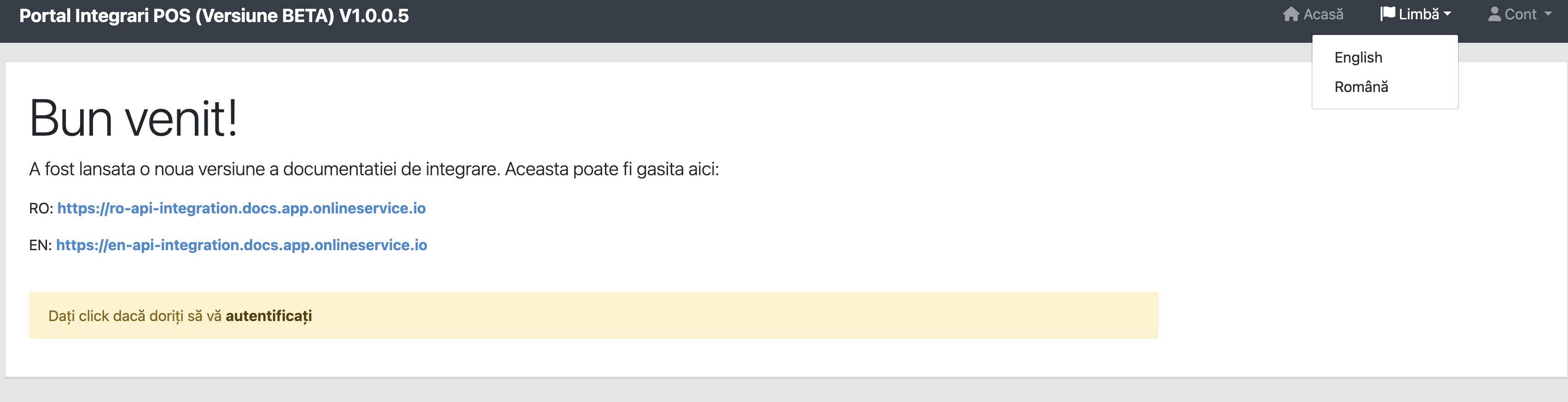
Change Language
By default, the portal loads in Romanian. To switch language, access the "Limba" option and select English.
Account Registration
Register a new POS solution at:
https://portal.integrations.cloud.onlineservice.io/register
- POS solution name can only contain letters and numbers (no spaces or special characters)
- Registration link is also available in the portal, Account section
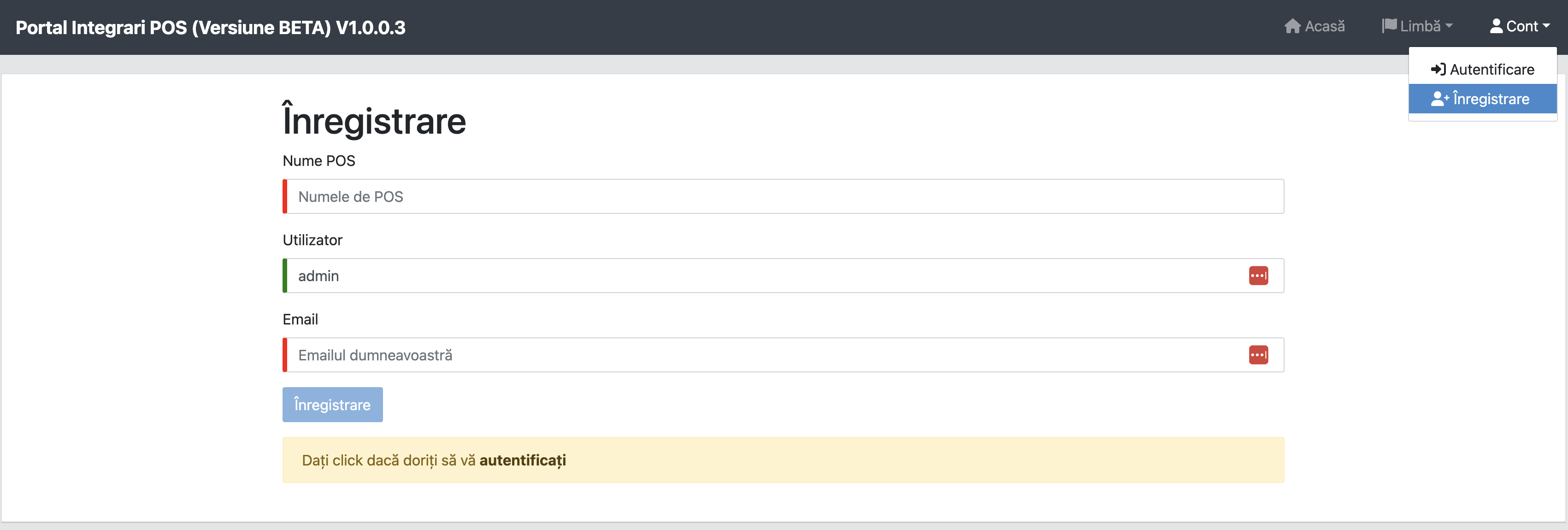
After submitting the registration request, the administrator will receive a notification to activate the new account. Upon activation, the POS solution will receive authentication details via email.
POS Contacts
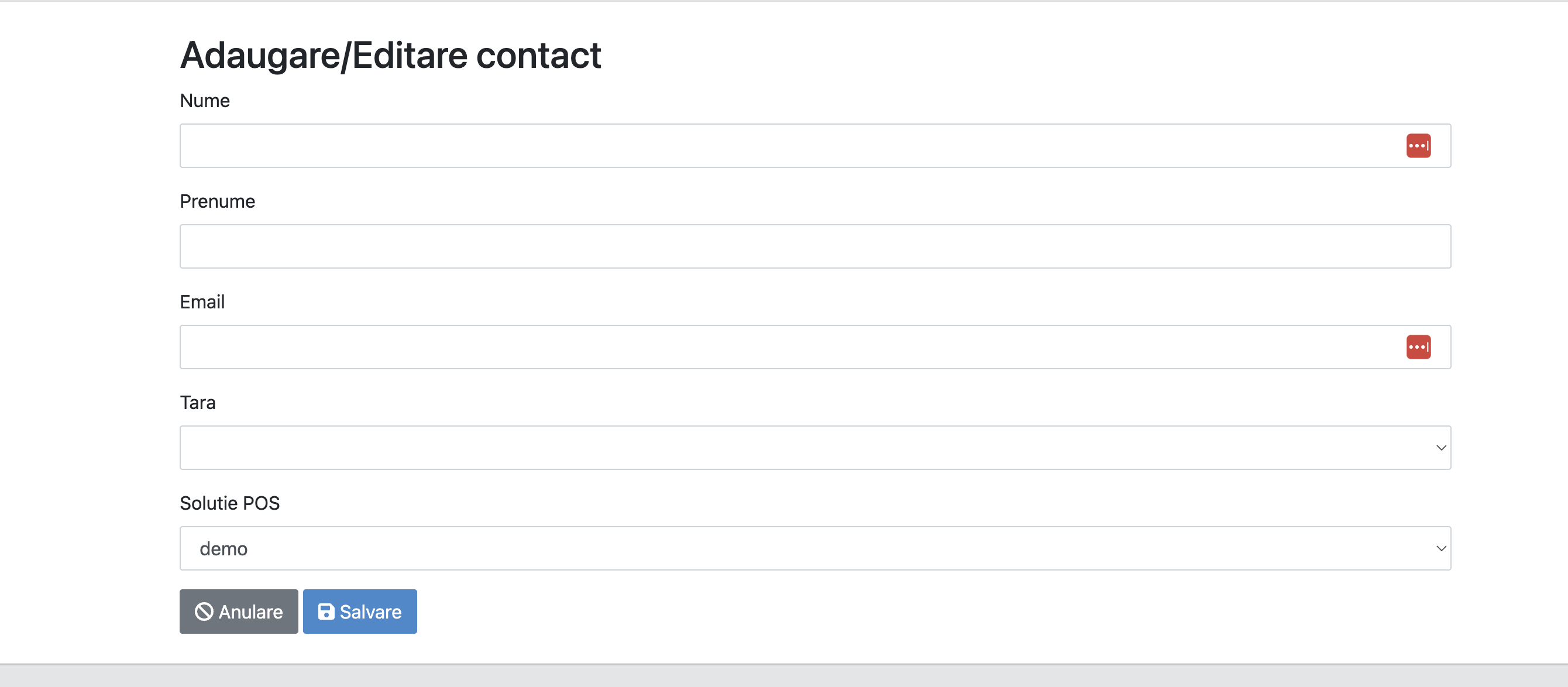
After authentication, a message will notify you to define 2 contacts for the POS solution.

To add a new POS contact, select Add contact.
WARNING
At least 2 contacts must be added to perform operations in the system.