Account registration
The integrations portal lives at portal.integrations.cloud.onlineservice.io. Everything is managed there: stores, keys, endpoints, test store, order lookup.
Creating the account
Section titled “Creating the account”A new POS is registered at /register. The link is also available inside the portal, in the Account section.
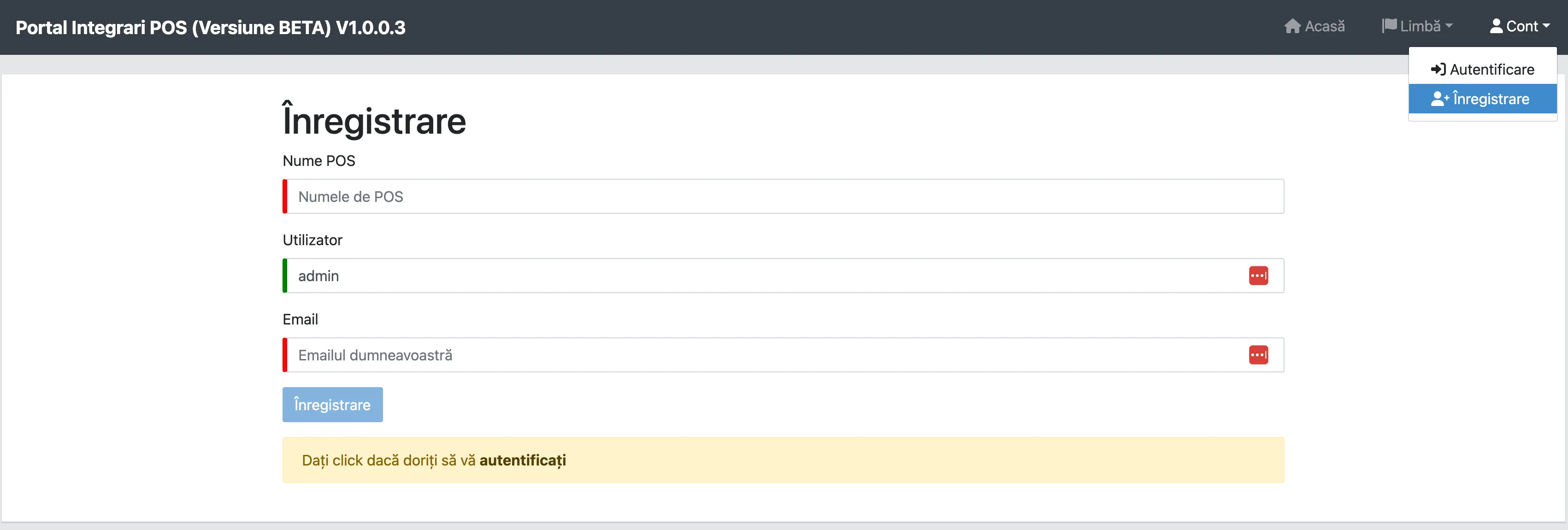
The POS name may contain letters and digits only — no spaces, hyphens or diacritics. That name
becomes your partner_name and appears as the prefix of every location identifier, so choose it
carefully: it cannot be changed later without rewriting every store.
Once submitted, an administrator reviews and activates the account. You receive the credentials by email.
POS contacts
Section titled “POS contacts”At first sign-in, the portal asks you to define two contacts for your POS.

You add them through the Add contact option.
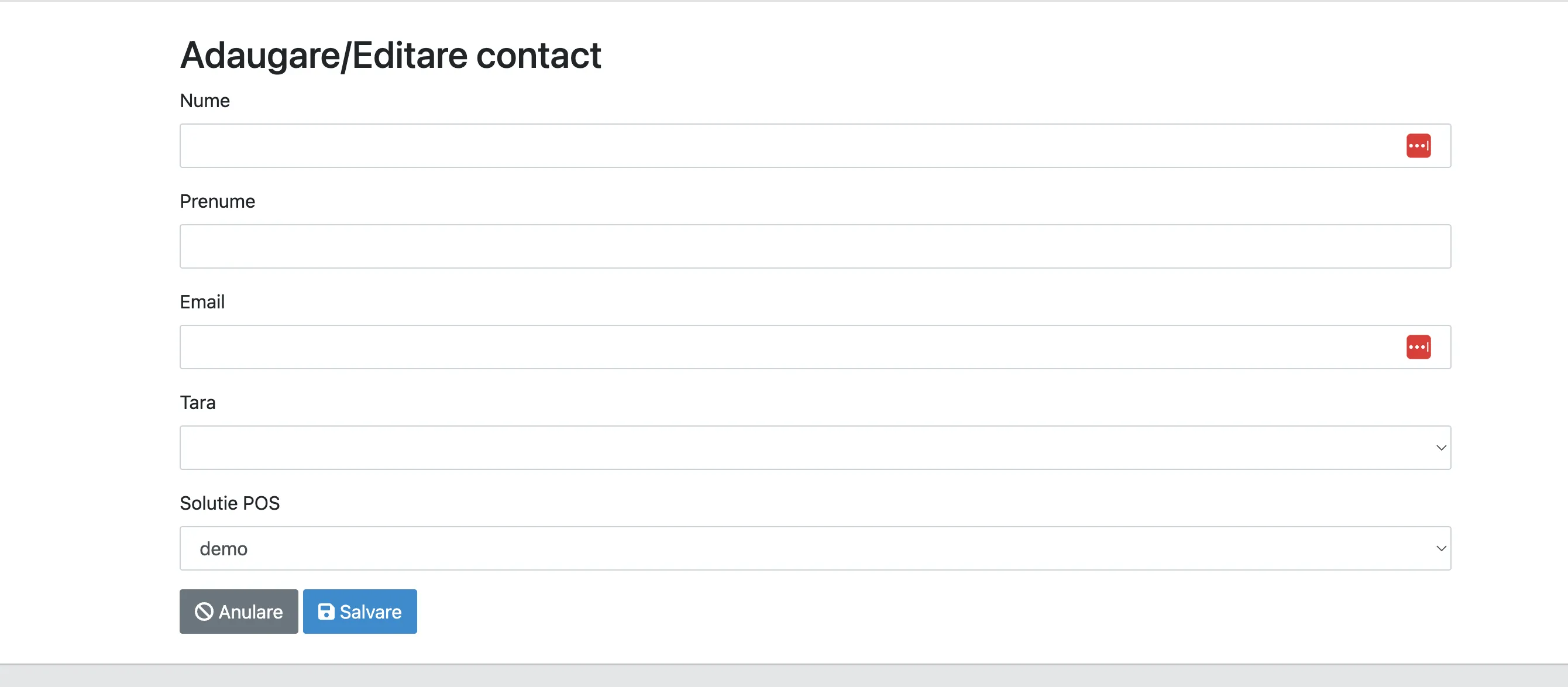
Use addresses that reach a team, not one person. A contact who has left the company is equivalent to no contact at all.
What comes next
Section titled “What comes next”With the account active, you next need an API key and at least one endpoint. Only then can you define brands and locations.