Order lookup
When a restaurant says “the order never came in”, you no longer have to write to us to find out what happened. You look the order up by code and see its whole journey: when it reached us, when we sent it to you, exactly what we sent, what you replied and what errors occurred.
You only see orders from your own stores.
From the portal
Section titled “From the portal”Menu Profil → Trasabilitate comenzi. Enter the order code — order_code, the one on the
receipt, not order_id.
The verdict
Section titled “The verdict”The first thing you see is a direct answer to “did it arrive or not”:
| Verdict | What it means |
|---|---|
| The order left towards your system | We got a 2xx response from your endpoint. |
| The order did NOT reach your system | We received it, but the call to you did not succeed. |
The timeline
Section titled “The timeline”| Moment | What it is |
|---|---|
| Created | When the order was created, in local time, as it was transmitted to us. |
| Received by us | When the order reached us. |
| Sent to you | When we finished the call to your endpoint. |
| Time spent with us | The difference between the two. Normally under two seconds. |
Moments recorded by us are displayed converted to Romanian time.
Calls to your system
Section titled “Calls to your system”For each call you see the endpoint, the HTTP code, the request exactly as we sent it and your response, verbatim. Both can be copied with one click, so you can replay them locally.
| What you see | What it means |
|---|---|
| Full request and response, HTTP 2xx | All good. If the order is missing on your side, the problem is after reception. |
| Empty response, but HTTP 2xx | The call arrived, but the response does not tell us whether you stored the order. |
| Request missing, response present | The call was refused. We do not keep the request body for refused calls — the endpoint and code remain visible. |
| No call at all | The order was never sent. See the errors section. |
Delivery attempts
Section titled “Delivery attempts”If you have retry enabled, you see every attempt: number, time, how long we waited beforehand, the outcome and the error.
This is usually what explains why an order came in later than the restaurant expected.
Errors
Section titled “Errors”The messages recorded during processing, with the time and the operation in which they occurred. These are the real messages — including your own system’s error response, when that is the cause.
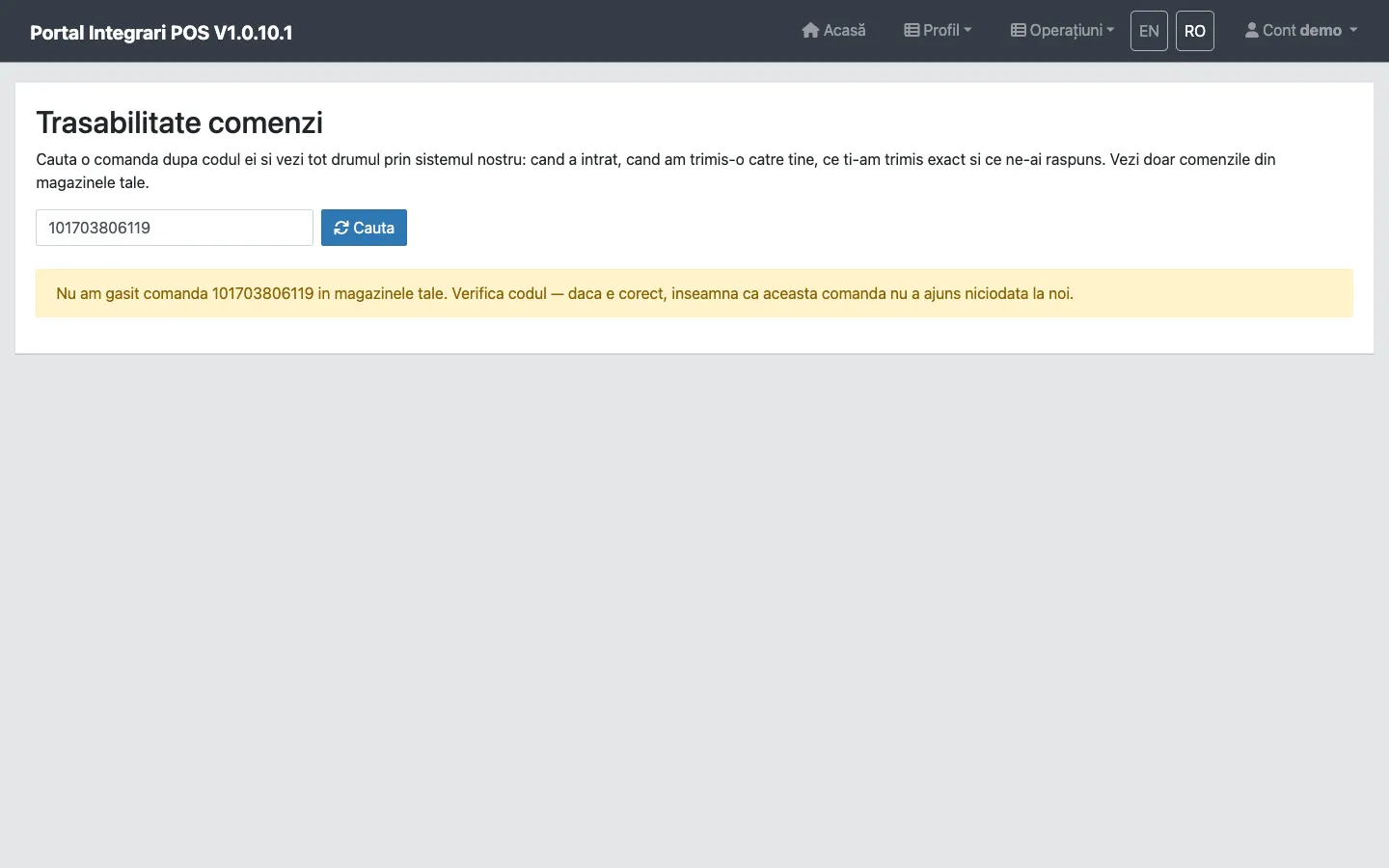
When the order does not show up at all
Section titled “When the order does not show up at all”If you spelled the code correctly and it still does not appear, that order never reached us. It is not a delivery problem towards you, it is an upstream one.
Check first:
- the code is
order_code, notorder_id; - the store belongs to your account;
- the order really was placed (ask the customer for a screenshot).
If all of that holds, write to us with the order code, the store and the approximate time.